Video Library: Education Technology / Microsoft Teams
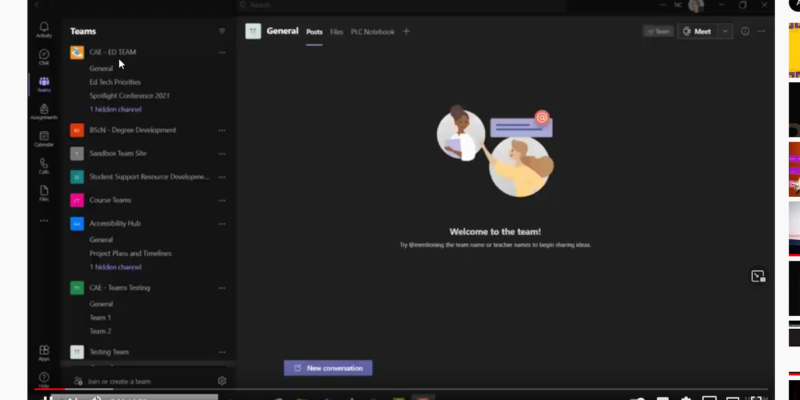
Accessing Teams Meeting Recordings
After a July, 2021 update Teams recordings are now stored in OneDrive or SharePoint. This video will show you how to access recordings of Teams meetings and put them into MS Stream.
Exploring Teams Tabs – Assignments, Grades, Online Meetings – Getting Started Series
Teams tabs offer mechanisms for document submission & grading within Teams sites. In this video, we will explore the functionalities of Assignments and Grades within a Teams site. The video will also demonstrate how online meetings can be started and scheduled within a Team.
Reviewing Channels, Team Settings, and Supporting Apps – Getting Started Series
This video will describe opportunities for organizing collaborative spaces within Teams for group work/class activities. It will also review how to change Teams settings & user permissions as the owner of a Team. Finally we will explore the potential Teams apps can provide.
Exploring Teams – Post, Files, OneNote – Getting Started Series
Teams tabs offer mechanisms for communication & collaboration within Teams sites. We will explore the functionalities of Posts as a message board and activity feed in Teams, Files to share and collaborate around documents & files, & Class Notebook to build and share content.
Creating a “Class Team” – Teams Getting Started Series
This video will review the four Team types (Class, PLC, Staff and Other) and will lead you through the process of creating a Class Team. It will review important Class Team settings and permissions, and will demonstrate the process for adding individuals to a Class Team.
Access and Sign-in to MS Teams (Web Application) – Teams Getting Started Series
This video demonstrates two methods for accessing the Teams web interface, as well as how to sign-in to the service. Next, it covers user settings, notification settings, and how to download the Teams app.