Video Library: Education Technology / Camtasia
Editing a Video to Add Content Using Camtasia
This video will show you how to use Camtasia to add additional video, slides, images and annotations, and narration to a video using.
Editing Content Out of a Video Using Camtasia
This video will show you how to edit a video to remove different elements using Camtasia. It includes information on trimming the beginning and end of a video, removing mistakes, and editing audio to remove background noise.
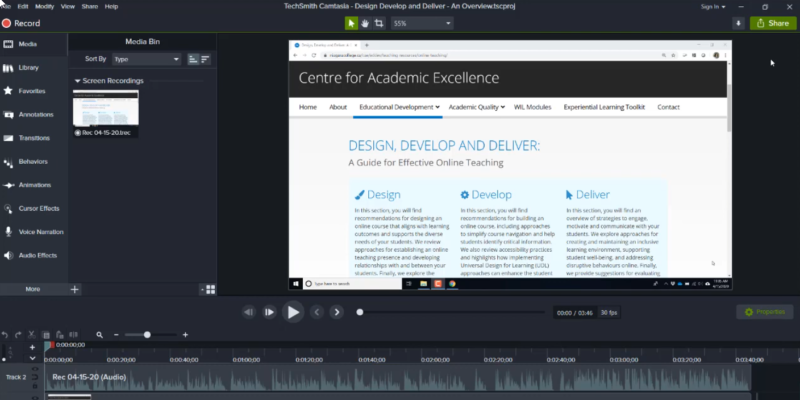
Exporting Camtasia Recordings to MP4 Video File Format
This video shows you the steps to export a Camtasia recording into an MP4 video file format so that it can be uploaded to your Blackboard course site or to a service like MS Stream for captioning and storing.
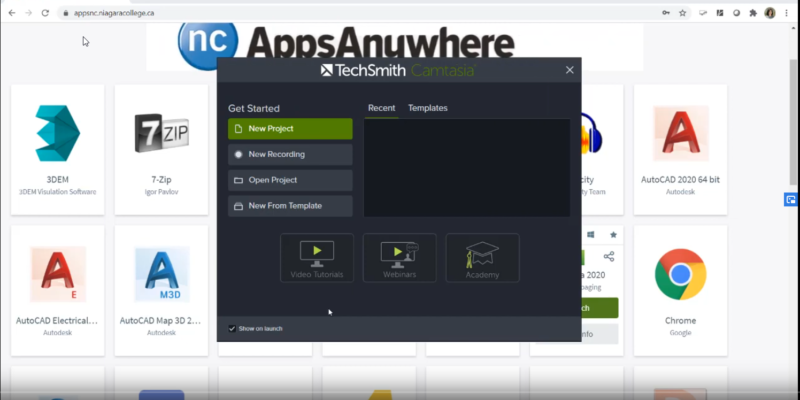
Starting a New Recording with Camtasia 2020
This video shows you the steps to start a screen cast recording using Camtasia 2020. Camtasia 2020 is available to all faculty via the Apps Anywhere interface. For more information on accessing Apps Anywhere, visit the ITS website at its.niagaracollege.ca.