How-to: Navigate the MyNC Applicant Portal
1) Log in to MyNC.
2) Go to the Dashboard.
After logging in, you will land on the MyNC home page. Click Dashboard.
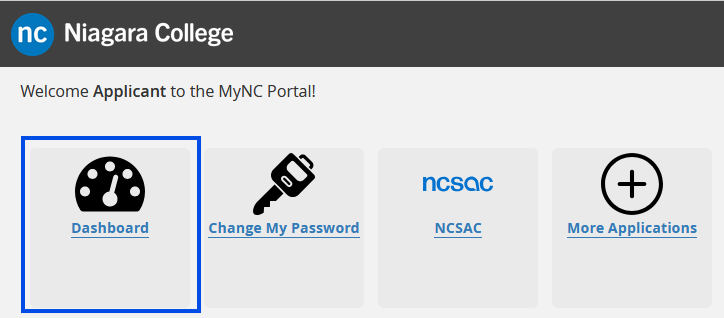
3) Review your MyNC Applicant Dashboard.
All of the information that you need is available on the MyNC Applicant Dashboard including:
- Announcements
- Your student record and profile
- Your registration information
- Your application
- Applicant resources
- Your timetable
- Tax receipts
- Grades
- And much more!
Familiarize yourself with the Dashboard, as you will use it often when you are a student.
Note: Some options may not be available if you have not confirmed your Offer of Admission or paid your fees.
