How-to: Check the Status of your Application
Review your program choices, the latest updates from our Admissions team as well as the status of transcripts we have received.
1) Log in to MyNC.
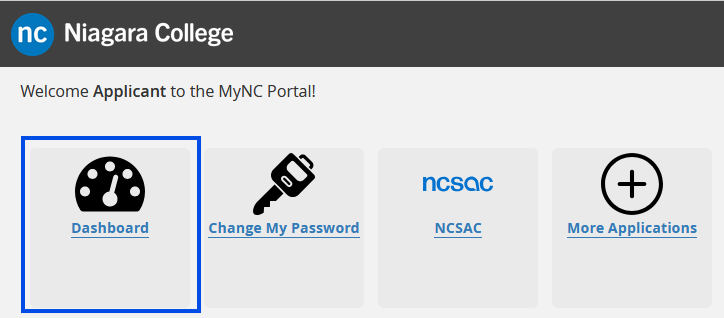
2) Go to the Dashboard.
Once you are logged into MyNC, click on the Dashboard icon.
3) Look for “My Applications and Resources”.
Look for the “My Applications and Resources” section.
Status Tab
- This is where you can find your Ontario Colleges Application Service (OCAS) number.
- You can review the status of each of your program choices.
- Clicking on the Evaluation Status link from within the Status Tab will give you detailed information about which requirements the Admissions office has received, and what is still outstanding.

Received Transcripts Tab
This section will show any transcripts that the Admissions office has received along with the status
