
October marks the start of Cyber Security Awareness Month (Cyber Month) in Canada. Protect yourself and learn why cyber security is important to everyone.
What is social engineering?
Social engineering is the art of human manipulation. It is when bad actors attempt to fool or trick you into doing something you should not do. Some of the most common social engineering attacks to look out for are:
- Phishing Emails or Messages
These emails or messages attempt to fool you into taking an action, such as clicking on a malicious link, opening an infected attachment, or filling out an online form.

How to spot:
- Generic greetings rather than using your name or title.
- The From or Reply-To address is a personal email address, such as [email protected] or [email protected].
- An offer that plays on your curiosity or seems too good to be true, such as notification of a package delivery even though you did not order anything.
- Spear Phishing
Spear phishing is similar to phishing, but instead of randomly emailing millions of people the attacker targets specific individuals. They research their target and create a customized email message, one their victim is more likely to fall for.

How to spot:
- The email appears to come from a friend or coworker you know, but the tone of the message does not sound like them.
- There’s a strong sense of urgency, pressuring you to ignore or bypass our policies.
- The email is work related, but comes from a personal email address, such as [email protected] or [email protected]
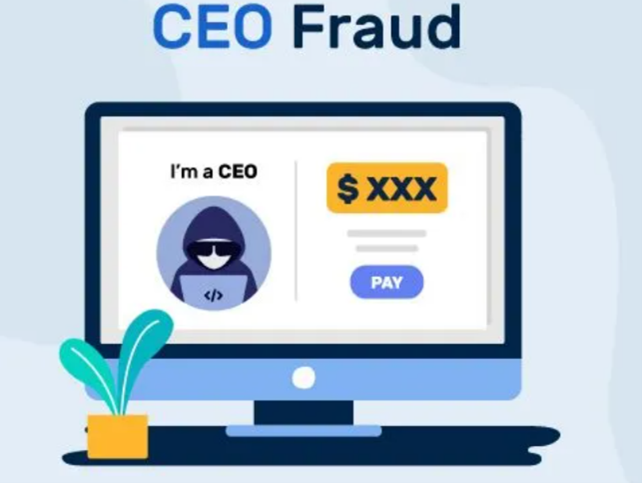
- CEO Fraud
Attackers pretend to be a senior leader from our organization in order to trick you into doing something you should not do. The clues of a CEO fraud attack are similar to a spear phishing attack. However, there is no infected attachment or malicious link. Instead, they are attempting to trick you into doing something, such as approving a wire transfer or sending sensitive documents.
How to spot:
- The email appears to come from a friend or coworker you know, but the tone of the message does not sound like them.
- There’s a strong sense of urgency, pressuring you to ignore or bypass our policies.
- The email is very short and urgent (only one or two sentences) and the signature says the email was sent from a mobile device.
- The email is work related, but comes from a personal email address, such as [email protected] or [email protected]
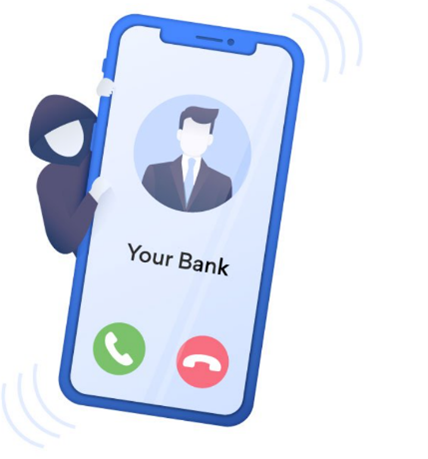
- Phone Calls (aka Vishing)
In addition to email- and messaging-based attacks, attackers can call you on the phone pretending to be an individual or organization you know and trust, such as the help desk or a vendor.
What to do:
- Be very suspicious if someone creates a strong sense of urgency or asks you to help them without first proving
- who they are. Always follow our procedures for verifying a person’s identity before discussing any sensitive
- information over the phone.
- SMS Phishing (aka Smishing)
Attackers also conduct cyber-attacks with misleading text messages, an increasing popular tactic as many phones lack filtering capabilities.

What to do:
- Refrain from replying, even with STOP or NO, this is a common ploy to confirm an active number.
- Delete the message
If you believe you are the target of a social engineering attack, stop all communication with the attacker and report the incident immediately to the ITS Security Office [email protected] .
