
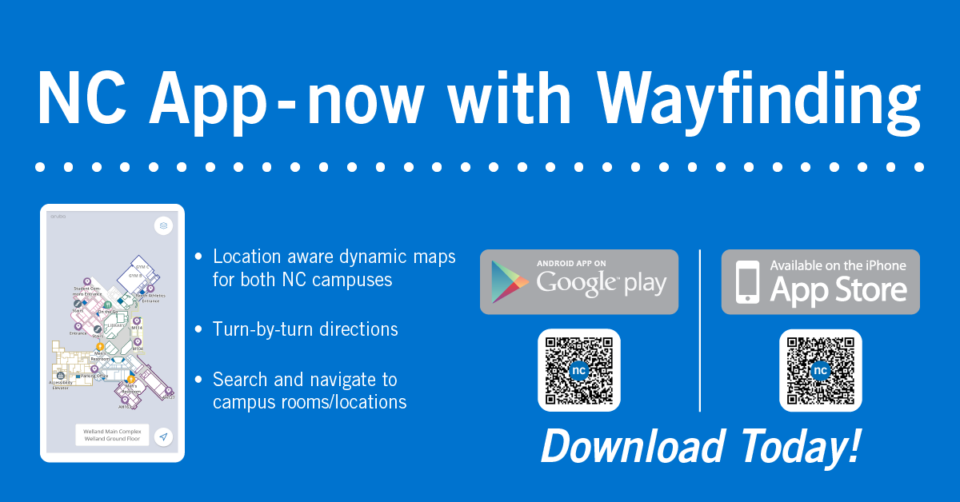
A new wayfinding tool has been launched by Niagara College’s ITS department, with support from the Facilities Management Services and Marketing teams, to help students, employees and visitors navigate their way around campus.
The wayfinder features location aware dynamic maps for both NC campuses, making it possible to search and find rooms and locations with turn-by-turn directions for most college buildings.
Accessing the wayfinder
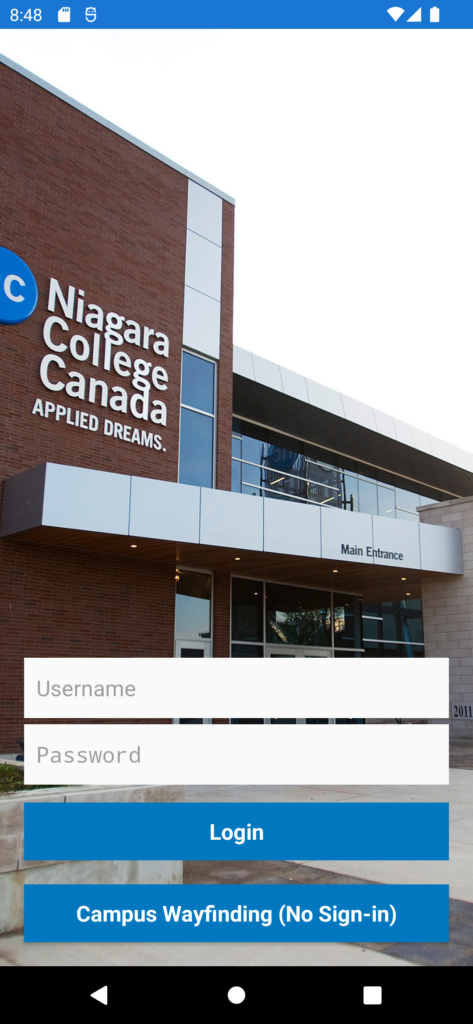
The wayfinder is part of the NC Mobile app and can be accessed from the app’s login screen under “Campus Wayfinding” – see the side menu if using an Android device or the wayfinder tab on iOS.
Since the wayfinder can be accessed from the login screen, users do not need to have NC login credentials to use the tool, allowing college visitors to also benefit from this new wayfinding feature.
Download the NC Mobile app on your iPhone or Android device to begin using the wayfinder.

How it works
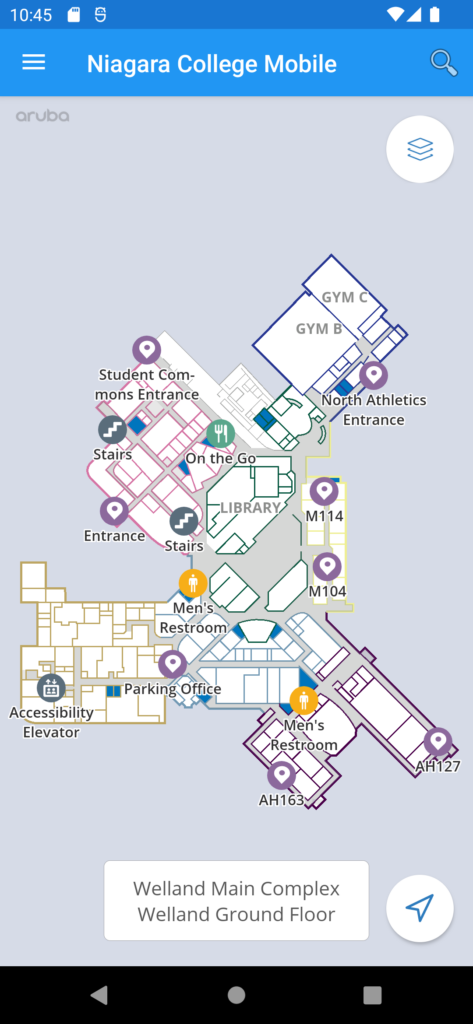
The wayfinder determines your location using Bluetooth on your mobile device and on the College’s wireless access points. When you select the wayfinder from the NC Mobile app, it will automatically place you on the map from your current location.
You can search for rooms using the search bar and the wayfinder will plot a path from your current location to the selected room. Students can also navigate to their classrooms by selecting the class from their timetable on the NC Mobile app.
As long as you are on campus, including parking lots and sidewalks, the wayfinder will guide you to the nearest entrance to make your way to your desired location.
Dynamic maps include:
- The main building (all floors) at the Daniel J. Patterson Campus in Niagara-on-the-Lake;
- All buildings and floors of the Welland Campus with the exception of the Pavilion and Mackenzie buildings.
- Residences are not included.


Requirements
To use the wayfinder, all that you need is the NC Mobile app with minimum device requirements:
- iPhone 7 and up – iOS 11 and up
- Android device with Bluetooth – Android 8.0 and up
Devices must have Bluetooth enabled and the app requires location permissions to function (the app will prompt the user to request these permissions). Please note that Niagara College does not store location data when you allow access to the NC Mobile app.
If you have questions about the wayfinder or require assistance, please contact the ITS Service Desk by calling 905-735-2211 x7642, emailing [email protected] or submitting a ticket.
