
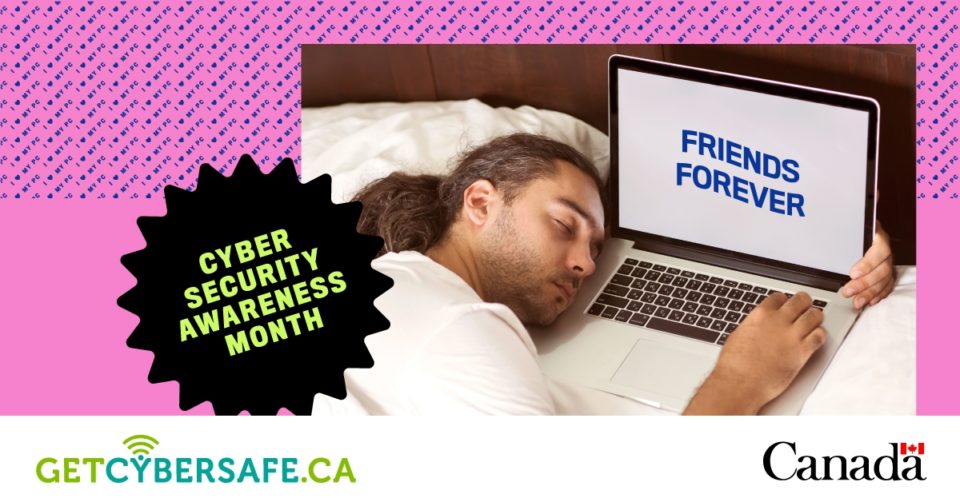
During the third week of Cyber Security Awareness Month, we shine a spotlight on the computer and offer tips about how to keep this important device safe and secure. With many NC students and employees learning and working from home during the COVID-19 pandemic, the health and security of our computers is more important than ever.
To function properly and keep you safe, these devices need to be cared for. This week, consider reading up on the following cybersecurity tips:
Create complex passphrases
A strong password is important and protects you from cyber criminals. Here are five ways to know if you have a strong password:
- You aren’t using the name of a pet or family member;
- You’re using a passphrase instead of a password;
- Your password is unique to the account/device you are using;
- You’re using one of Get Cyber Safe’s strong password tricks;
- You haven’t shared your password with anyone.
Prevent against malware
Malware, or malicious software, is a common method that cyber criminals use to infect systems and devices and steal information from victims.
To protect yourself from malware:
- Install and use anti-malware software. If you use a College-issued device, SOPHOS Endpoint Agent provides protection, while there are many paid and free solutions available for personal devices. Be sure the anti-malware software comes from a reputable source (direct from a reputable developer is best) and keep the software up-to-date;
- Beware of downloads;
- Spot the signs of malware being on your computer.
Avoid phishing scams
Phishing is a common tactic that cyber criminals use to steal personal and financial information from you. Phishing messages usually take the form of an email or phone call from a cyber criminal who is pretending to be someone they are not, such as your bank.
Protect yourself and your device by learning the seven red flags of phishing:
- Urgent or threatening language;
- Requests for sensitive information;
- Anything too good to be true;
- Unexpected emails;
- Information mismatches;
- Suspicious attachments;
- Unprofessional design.
It’s hard to imagine gaming these days without connecting to the internet. Unfortunately, online games give cyber criminals another way to target gamers’ personal data and money.
Get the 1UP on cyber criminals: t.co/JJuLIViAq3 #GetCyberSafe #CSAM2020 pic.twitter.com/PERGcRn925
— Get Cyber Safe (@GetCyberSafe) October 13, 2020
Information and images from getcybersafe.gc.ca.
