
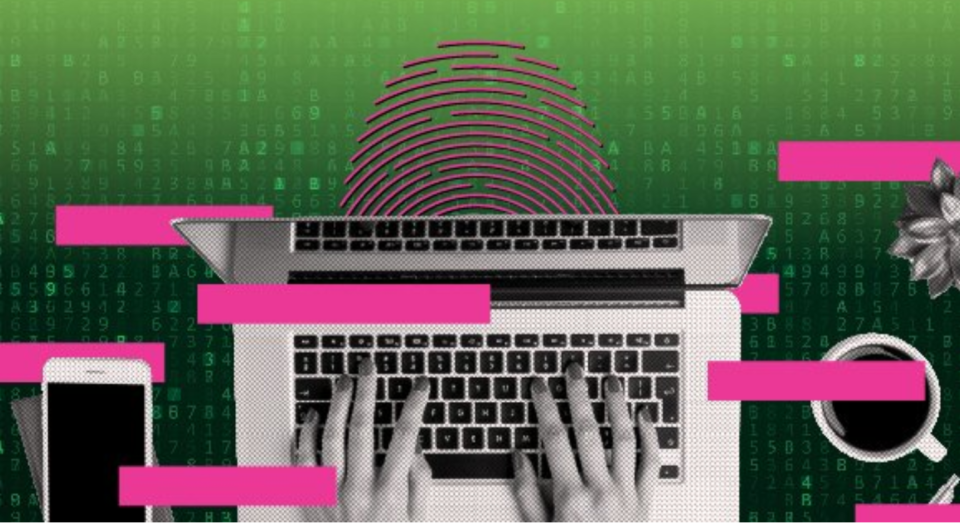
Cyber security can seem complicated, but you don’t need to be an expert to stay safe. With the right information, anyone can protect themselves from common cyber threats. Adopting these five simple habits is a great way to get started.
October is #CyberSecurityMonth!
Week three theme is looking at how to protect yourself online.
To learn more, check out @GetCyberSafe and visit: t.co/HH9T1juF79 pic.twitter.com/CXslRsf64c
— Niagara College (@niagaracollege) October 14, 2019
- Practice good password etiquette
- Don’t share passwords;
- Make each password unique and complex;
- Use two-factor authentication.
- Update your devices
- Always accept updates to your mobile devices, computers and apps;
- Allow updates to install automatically.
It doesn't get any easier than being able to update your devices without lifting a finger. ☝️
#GetCyberSafe by allowing updates to install automatically on all your mobile devices, computers and apps. pic.twitter.com/tZzsJIPWin— Get Cyber Safe (@GetCyberSafe) October 17, 2019
- Secure your accounts
- Update your privacy and security settings;
- Be careful using social media to log into online accounts. Be sure of what information of yours is going to be shared.
- Watch out for phishing messages
Phishing are fake emails and texts that look like they’re from authentic companies. 10% of Canadians have replied to a phishing email unknowingly.
- Know how to spot phishing or spear-phishing messages;
- Do not respond to suspicious emails or click suspicious links;
- Use up-to-date anti-virus software.
The #millennial * version of "Don't talk to strangers": Don't open emails from strangers. 📧
If you see a suspicious-looking email, move it to the ➡️🗑️ bin. #GetCyberSafe
*advice suitable for all ages, not just millennials pic.twitter.com/zzN6TLpVQV
— Get Cyber Safe (@GetCyberSafe) October 16, 2019
- Store your data securely
- Do not use USB sticks on computers you do not trust;
- Use only new USB sticks purchased by you or someone you know;
- Back up your vital personal information;
- Turn on security features for data stored online.
Get tips to protect yourself and your devices at:
Information submitted by ITS and sourced from:
An Introduction to the Cyber Threat Environment by the Canadian Centre for Cyber Security, 2018
Survey of Internet Users Regarding Cyber Security by EKOS Research Associates, 2018
